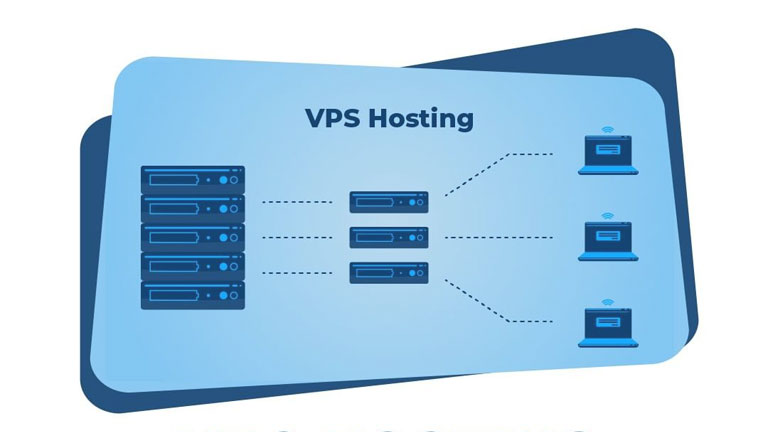
I migrated my website from GoDaddy to Hostinger. The main reason I switched from GoDaddy to Hostinger is that Hostinger’s hosting service is much faster than other providers’ web servers, and their long-term plans are also quite affordable. Their hosting management panel is also very good, and they provide essential services and email addresses for free for one year.
My Experience Migrating from GoDaddy to Hostinger: Challenges and Solutions
I migrated my site from GoDaddy to Hostinger, and it was challenging. However, migrating the website from GoDaddy to Hostinger wasn’t as easy as I thought. So, let’s find out how I migrated and transferred my website from GoDaddy to Hostinger. How it went (explained briefly):
Downloaded a full backup from GoDaddy web hosting
First, I downloaded a complete backup of all the files from my GoDaddy account, which included themes, images, content, plugins, and other settings.
Purchase hosting from Hostinger and connect the domain to move the files
Once the backup was completely downloaded, I went to Hostinger and purchased a 4-year website hosting plan. After purchasing the plan, Hostinger gives you options to migrate your website from another server to Hostinger, which you need to complete. This involves first entering your domain URL, then entering your WordPress hosting credentials, and then Hostinger automatically transfers all your website files from GoDaddy to Hostinger.
Change DNS record
After the files are uploaded, you are asked to change the DNS records. For this, you need to replace the nameserver in GoDaddy DNS records with Hostinger DNS.
SSL issue ‘Your connection isn’t private.’
As soon as all the files for my website and web hosting were transferred and I changed the DNS records, I noticed that the website was showing a security issue because my SSL certificate was running on the old hosting (GoDaddy), and I had purchased new hosting on Hostinger. So, I realized I needed to update the SSL certificate. There was an option provided on Hostinger for this, so I installed it, and that seemed to fix the issue.
There has been a critical error on this website
After migration, DNS transfer, and SSL fix, the site showed ‘There has been a critical error on this website‘ and blank pages. None of my website pages or the homepage was loading.
I did some research on this. The main reason for this error was that some files in the WordPress function.php file were missing or corrupted. I learned about this from Hostinger’s AI Troubleshooter. They showed me that all the website files were present. Around this time, I received an email from WordPress indicating that there was some incorrect code in my website’s function.php file and that the file was corrupted.
They suggested reinstalling the file or the theme. So, I went to my hosting account, changed the name of the current theme, and re-uploaded the same theme from the backup to Hostinger. As soon as I uploaded it, the website started working.
Plugin activation issues
After that, I checked the plugins and tried activating them, but they weren’t activating. There were also some corrupted or missing files related to the plugins. So, I changed the plugin directory name and re-uploaded all the plugins from the backup. After that, the plugins were installed with old metadata.
Image upload issue – ‘Unable to create directory uploads/2026/02. Is its parent directory writable by the server?’
I started creating new posts and uploading images. During image uploads, I encountered an error: “Unable to create directory uploads/2026/02. Is its parent directory writable by the server?” I again did some research about this error. I added this code define( ‘UPLOADS’, ‘wp-content/uploads’ ); just before this line require_once(ABSPATH . ‘wp-settings.php’); to the server’s wp-config.php file in the appropriate directory, and this issue was also resolved.
Overall, it was a bit challenging for me to manage all this, but I successfully transferred my website myself. If you are not technically proficient, I would recommend using a service like Upwork to get help with website migration. The process required patience and constant troubleshooting. The migration is finally complete for LightTheMinds.com